
Why your resume gets rejected before a human reads it
A practical breakdown of ATS filters, common resume mistakes, and how to make your experience readable to both software and recruiters.

Zaprill Team
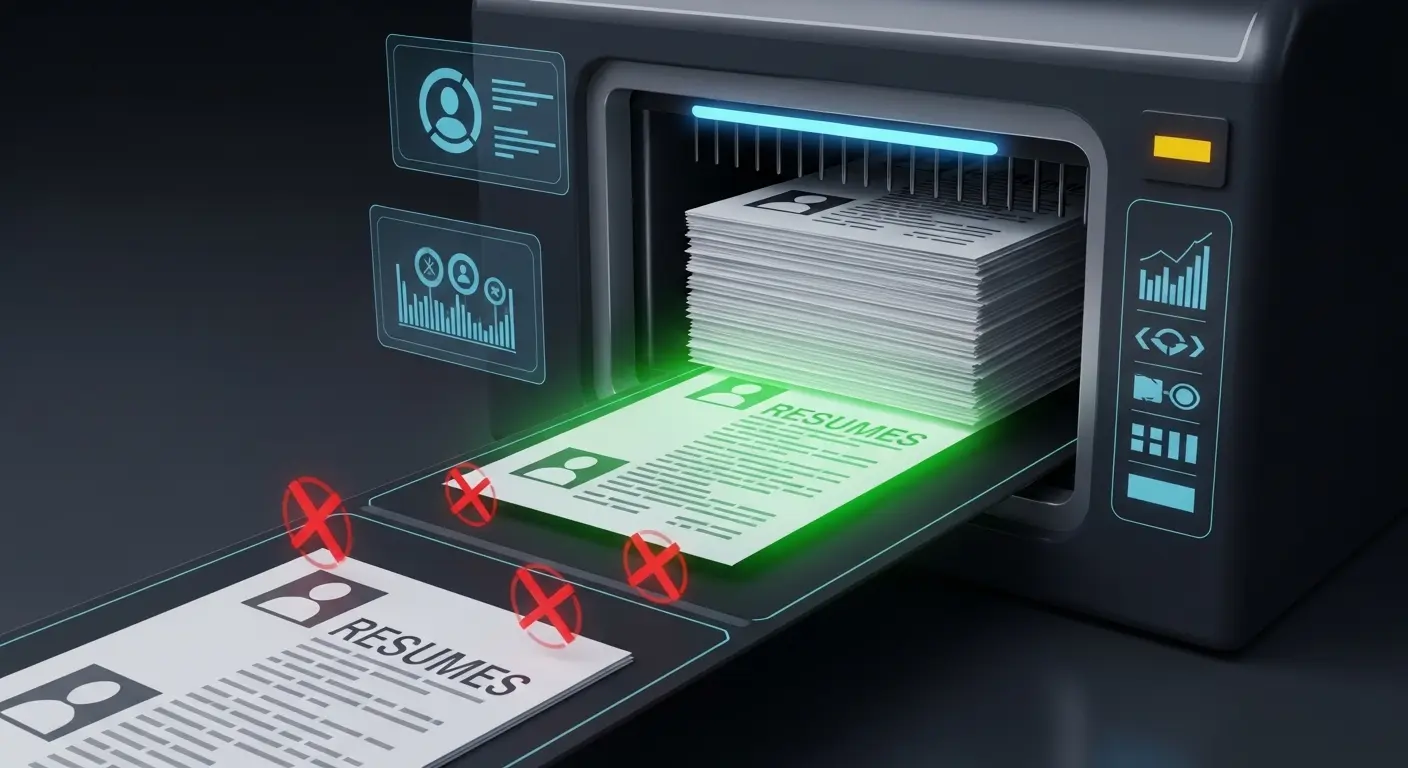
The silent filter you cannot see
When you apply for a job online, your resume almost never goes directly to a human recruiter. It goes into an Applicant Tracking System (ATS). These systems—Workday, Greenhouse, Lever, Taleo—are designed to manage volume. A single open role at a recognizable company can attract five hundred applications in a weekend. Human review is impossible. The system must filter.
Most candidates imagine the ATS as an intelligent AI that reads their resume, understands their career narrative, and grades them fairly. The reality is much dumber. An ATS is fundamentally a parsing engine attached to a search database. It looks for exact string matches, standard chronological structures, and easily extractable data fields. If it cannot parse your formatting, it simply leaves those fields blank in your profile.
This creates a frustrating reality: you can be perfectly qualified for a role and still be automatically rejected because the software could not read the document you submitted. The rejection is silent. You receive a generic 'we have decided to move forward with other candidates' email two weeks later, assuming your experience wasn't good enough. In truth, your experience was never seen.
Understanding how these systems parse and filter data is the first step to bypassing them. You must optimize your resume not just for the hiring manager who will eventually read it, but for the machine that stands in their way.
Formatting that breaks the parser
The most common reason for ATS failure is over-design. Templates sold online often prioritize visual appeal over machine readability. They use complex layouts, multiple columns, custom fonts, graphics, and icon sets to stand out. While these look great when printed or viewed by a human, they are a nightmare for an ATS.
Columns are a primary offender. Most ATS parsers read left-to-right, top-to-bottom. If you have a left-hand column for skills and a right-hand column for experience, the parser might combine the text from both columns on the same horizontal line, resulting in gibberish. The recruiter sees a jumbled block of text where your work history should be.
Tables, text boxes, and headers/footers cause similar issues. Many systems completely ignore text placed inside a header or footer. If your contact information is in the header, the ATS might create a profile for you with no email or phone number. When the recruiter tries to reach out, they find empty fields and move on to the next candidate.
Graphics and charts—like a progress bar showing your proficiency in Python—are useless to an ATS. The system cannot interpret the image. It only reads text. Worse, some systems might struggle to process the file if it is heavy with embedded graphics, leading to a parsing error.
Always use a single-column layout with standard section headers (Experience, Education, Skills). Stick to standard fonts like Arial, Calibri, or Times New Roman. Save the beautifully designed, multi-column PDF for handing directly to a hiring manager during an in-person interview. For online applications, simpler is always better.
The keyword matching game
Once the ATS has parsed your text, it ranks you against the job description using keyword matching. This is where most candidates fail to optimize. They write their resume once and submit it to fifty different roles, assuming their experience speaks for itself.
The ATS is looking for exact matches. If the job description asks for "Project Management" and your resume says "Managed Projects," some older systems will not recognize the match. If the job asks for "Search Engine Optimization" and you only wrote "SEO," you might lose points. You must use the exact terminology found in the job description.
This doesn't mean keyword stuffing—randomly pasting keywords in white text at the bottom of the page is an old trick that modern systems easily detect and penalize. Instead, you need to naturally integrate the keywords into your bullet points.
Context matters as much as the keyword itself. If you list "React" in your skills section, the ATS registers it. But if the ATS uses contextual scoring, it will rank you higher if "React" also appears in the description of a specific role, demonstrating how you used it in a professional setting. "Developed a high-traffic e-commerce frontend using React, resulting in a 20% increase in load speed" is far more powerful than just dropping the word in a comma-separated list.
Take the time to analyze the job description before applying. Identify the core hard skills, soft skills, and tools mentioned. Ensure those exact words appear in your resume, ideally tied to specific achievements.
Chronology, titles, and dates
ATS systems are rigid about structure. They expect your experience to be listed in reverse chronological order (most recent job first). If you use a functional resume—grouping experience by skill rather than by date—the ATS will almost certainly fail to calculate your years of experience correctly.
Job titles are another stumbling block. If your internal title was "Happiness Engineer" but you were doing Customer Support, the ATS won't know what to do with it. It searches for standard industry titles. If your title is unconventional, it is often best to include the standard equivalent in parentheses: "Happiness Engineer (Customer Support Representative)". This ensures the ATS recognizes the role while maintaining accuracy.
Dates must be unambiguous. Use the standard "Month Year - Month Year" format (e.g., "Jan 2020 - Dec 2023" or "01/2020 - 12/2023"). If you only include years, some systems might assume you worked from December of the start year to January of the end year, drastically reducing your calculated experience.
Unexplained employment gaps can also trigger automated flags. While ATS systems don't usually reject candidates outright for gaps, they might lower your ranking. If you took time off for education, caregiving, or personal projects, consider adding a brief entry for that period to maintain a continuous timeline.
File formats and submission
The final hurdle is the file format. While PDF is the gold standard for preserving formatting, not all ATS platforms handle PDFs equally well. Older systems, like Taleo, sometimes struggle with complex PDFs.
Always check the acceptable file types listed on the application page. If they request a Word document (.docx), provide a Word document. If they accept both, a simple, text-based PDF is usually the safest bet as it prevents formatting from breaking when opened on different devices.
To test your PDF's readability, try copying all the text and pasting it into a plain text editor like Notepad. If the text pastes cleanly and in the correct order, an ATS can likely read it. If the text is jumbled, has missing spaces, or contains bizarre characters, your PDF encoding is broken, and you need to generate it differently.
Your resume's job is not to get you the job. Its only job is to get you the interview. By understanding and respecting the limitations of the Applicant Tracking System, you remove the technical barriers standing between you and the hiring manager.

Zaprill Team
Lead Technical Recruiter
Providing market-leading insights on career strategy, technical compensation, and negotiation.
Recommended for you
More insights to help you navigate your career and market value.

How to Build a Technical Portfolio That Replaces Your Resume
A paper resume tells recruiters what you did, but a technical portfolio shows them how you build. Learn how to construct a portfolio that forces hiring managers to interview you.

5 ATS Formatting Rules You Cannot Afford to Ignore in 2026
Your resume's visual layout is your biggest vulnerability. Discover the 5 rigid ATS formatting rules that determine whether your resume gets read or ignored.

The Hidden Costs of Tech Signing Bonuses: What Recruiters Don't Tell You
A massive signing bonus can look incredibly attractive, but it often hides strict clawbacks, vesting cliffs, and tax traps. Here is what to watch out for.